
 Netsroht Ttalp
528121

Describe the sound you want or add lyrics you already own. Generate a new track, review the available results, and continue with focused music tools.
Explore studio-quality songs across different genres, moods, and vocal styles.
Netsroht Ttalp Nancy Cable
 MR.X jeffry
 Jiji
Jiji Rafael Torres
 Marillyn Rogers
 Magembe Electrician
 Quinn Hill
From writing lyrics to shaping your sound, explore tools for each step of your music workflow.

01 AI Music Generator
Turn a written music brief into a new track, or switch to your own lyrics when you want the words to guide the request.
Create music from textMove from an initial music idea to lyrics, a generated song, or a supported follow-up task without treating every tool as a separate creative system.
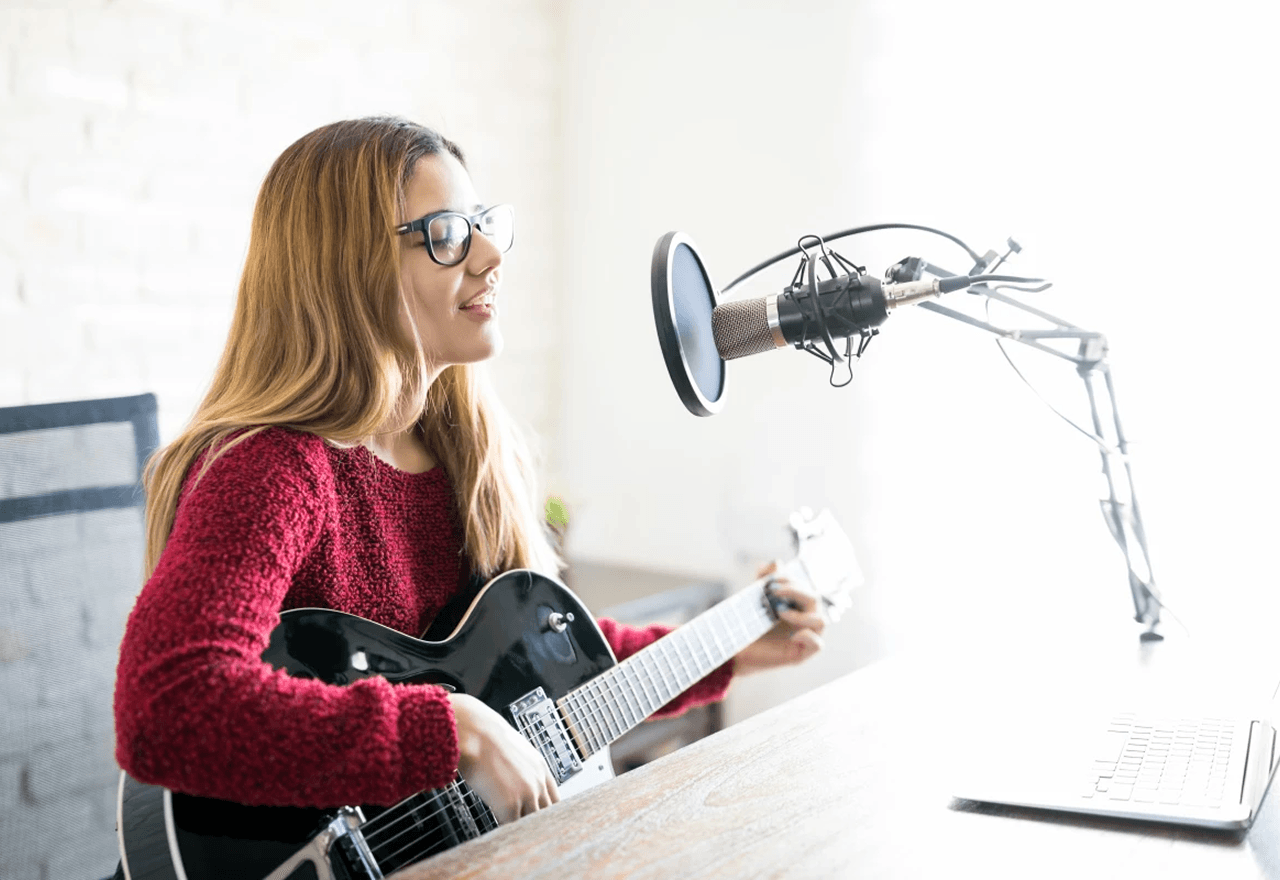
Describe the genre, mood, energy, and instruments you want to hear, or choose the own-lyrics workflow when the words are ready. Instrumental mode is available when you want music without a lead vocal, while style tags provide additional guidance rather than guaranteed exact control.

Use a theme, language, mood, structure, constraints, an existing draft, and style tags to guide a lyric request. Copy the result or load it back into the draft area, then revise the wording yourself before moving into a music generation workflow.
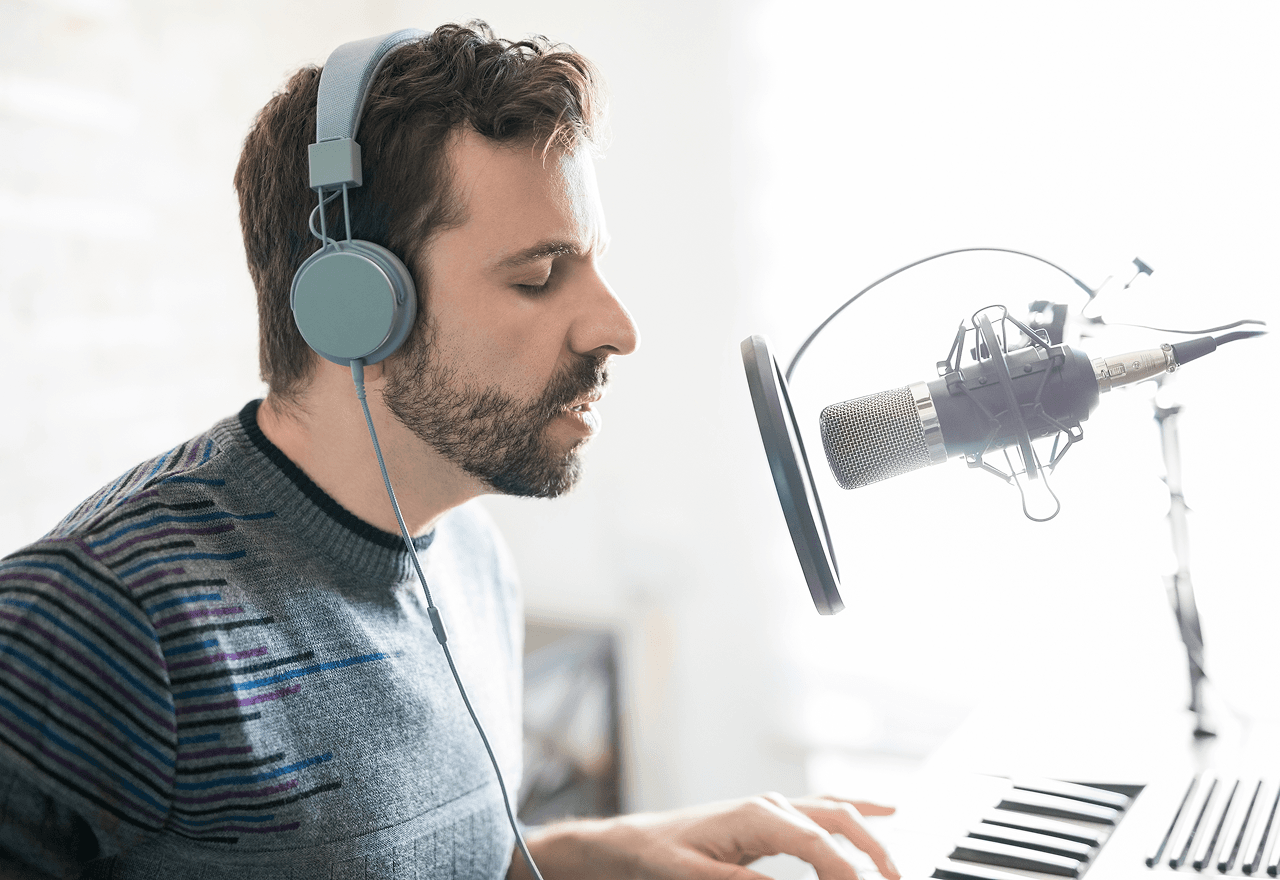
Choose one of your own eligible, successfully generated library songs for vocal removal or stem separation. The current workflow does not accept arbitrary third-party audio uploads, and the available separated tracks depend on the supported task and returned result.

Choose an eligible song from your AISongsGenerator library to create an MP4 music video. This workflow requires an active subscription and enough credits, so review the current access requirements and available source songs before submitting the video task.
Follow a clear path from choosing the right input to reviewing a playable result, then continue only when another supported tool fits your goal.
Start with a natural-language brief when you want to explore a musical idea. Choose own lyrics when you already have the words and want them included as guidance for the song request.
Add the genre, mood, energy, instruments, and other useful context. Use the visible style options to guide the request, but review the generated audio instead of expecting every detail to be reproduced exactly.
Music generation requires an account and enough credits for the selected task. Review the current requirement shown in the product, submit the request, and wait for the task status to complete.
Play the available completed results and decide whether to adjust your idea or continue. Eligible songs in your own library can become sources for supported cover, separation, stem, or video workflows.
Review the live plan cards for current credit allocations, billing terms, download access, and included features before choosing how you want to create.
$125.88 billed yearly. Cancel anytime.
$251.88 billed yearly. Cancel anytime.
$419.88 billed yearly. Cancel anytime.
Get practical answers about inputs, credits, library sources, result history, downloads, and commercial-use boundaries before starting your next music task.
The homepage helps you start music from a written prompt or lyrics you already own, review completed song results, and choose a focused follow-up tool. The wider platform also includes lyric drafting, song covers, vocal removal, stem separation, and music video workflows. Those tools have separate pages because their accepted sources, controls, result formats, access rules, and credit costs are different.
Choose a prompt when you have a sound, mood, genre, energy level, or instrument idea but do not need to supply the words. Choose own lyrics when you already control the text you want to use. That mode asks for a title, your lyrics, and musical direction. In either case, treat the input as guidance and review the generated result rather than assuming every requested detail will appear exactly.
Yes. Instrumental mode is available in the music generation workflow when you want a new track without a lead vocal. This is different from Vocal Remover, which works after generation and separates an eligible song from your own AISongsGenerator library into vocal and instrumental results. Choose instrumental mode for a new no-vocal request; choose Vocal Remover when you already have a supported library song to separate.
Yes. You can read the public pages and compare tools before signing in, but submitting a music generation task requires an account and enough credits for that task. Credit costs differ across lyrics, music, cover, separation, stem, and video workflows. Check the live product or pricing section before submitting, because the homepage should not duplicate changing plan data or promise a fixed free allowance.
Completed music results appear in the result area with playback controls when the task succeeds. Signed-in users can also load recent task history for supported workflows. Use that history to revisit available results or select an eligible source for another tool. Recent history should not be treated as a promise of unlimited or permanent storage, so keep your own copies when download access is important to your project.
No. The current song cover, vocal removal, stem separation, and music video workflows start from eligible songs in your own AISongsGenerator library. They are not general upload tools for arbitrary MP3, WAV, third-party songs, or pasted audio URLs. Generate or locate a supported song in your account first, then open the relevant tool to confirm that the source is available for selection.
Download availability depends on the result type and your current subscription status. The product supports downloading available music and supported separation results for eligible subscribed users, while music video tasks produce an MP4 result when completed. Check the controls shown with each finished result and the current plan terms before relying on a specific download workflow, file type, or long-term access arrangement.
Content generated while an eligible paid plan is active may be used commercially subject to the current License and Terms. That permission is non-exclusive and does not guarantee copyright registration, originality, or clearance of third-party rights. You remain responsible for your prompts, lyrics, source material, and intended use. Free-plan generations are limited to personal, non-commercial testing and evaluation under the current license.
Open the music workspace with a prompt or your own lyrics, or browse the tool directory when you need a different creative task.